Writer: Nilsson AndersRelease Time: 2026-11-27 06:05Browse: 32
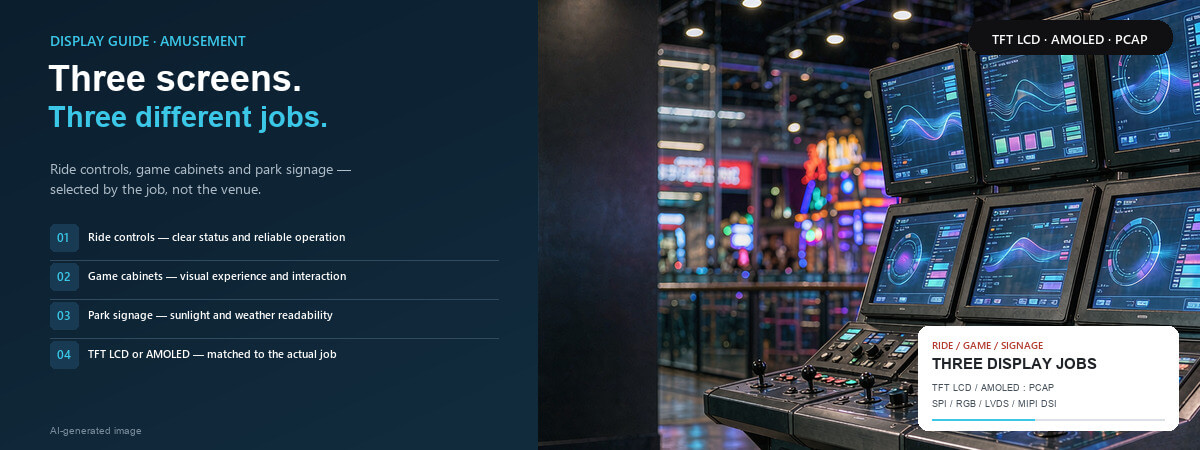
An operator confirms a ride's status before the next launch; a player taps a cabinet screen to choose a game; a visitor checks the queue time on a sign at the park entrance. Three screens, one venue — and almost nothing in common in how they should be specified.
This guide splits amusement and family entertainment displays into the three jobs that actually matter for selection — ride control panels, game cabinet displays and park signage — and works through what each demands: display size and format, TFT LCD or AMOLED, touch performance, brightness and sunlight readability, temperature and weather protection, interfaces, and customization. For the broader fixed-installation control context, see the guide to HMI displays in automation.
Contents
The same venue can hold all three screen types, but their users and priorities are completely different.
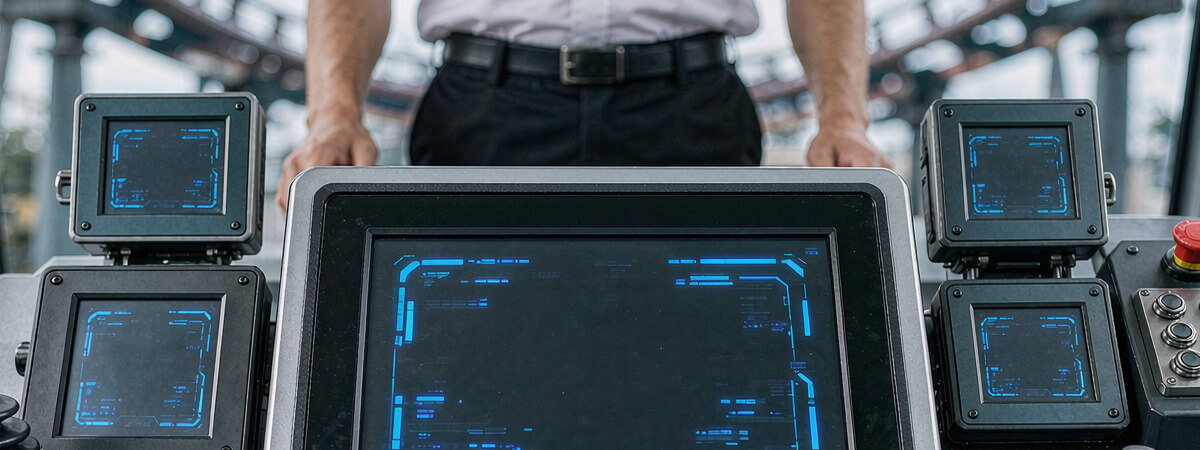
Used in roller coasters, rotating rides, water attractions, observation wheels and other amusement equipment. The audience is operators and maintenance personnel, not visitors. The screen shows operating status, ride speed, safety interlock information, equipment alarms, operating modes and diagnostic data, and in some systems provides a touch interface for selecting settings or confirming commands. Reliability and clear information come first.
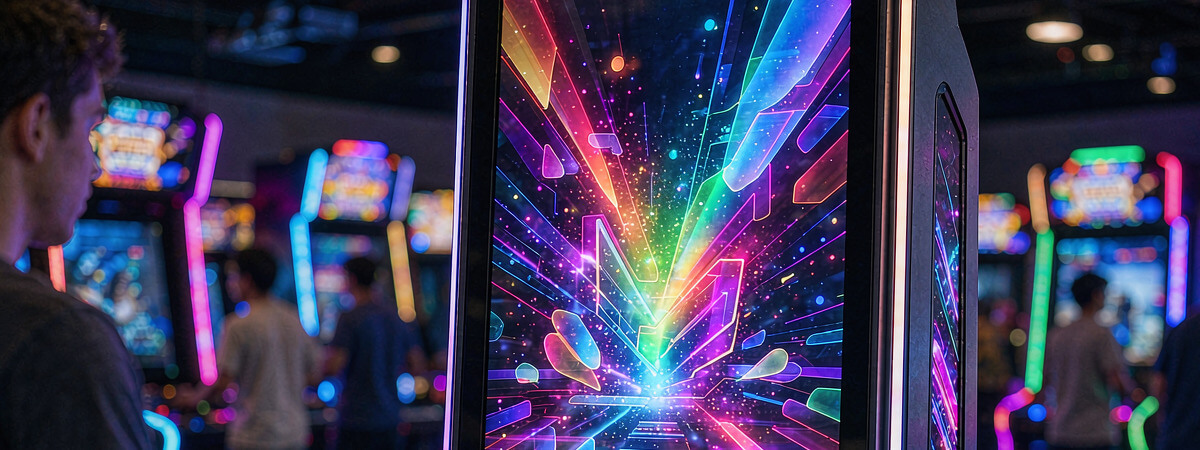
Arcade video games, prize machines, racing simulators, shooting games, rhythm games and interactive entertainment terminals. Here the display is part of the entertainment experience — it attracts players and presents game content in an engaging way. Image quality, touch responsiveness and mechanical fit matter more than industrial hardening.
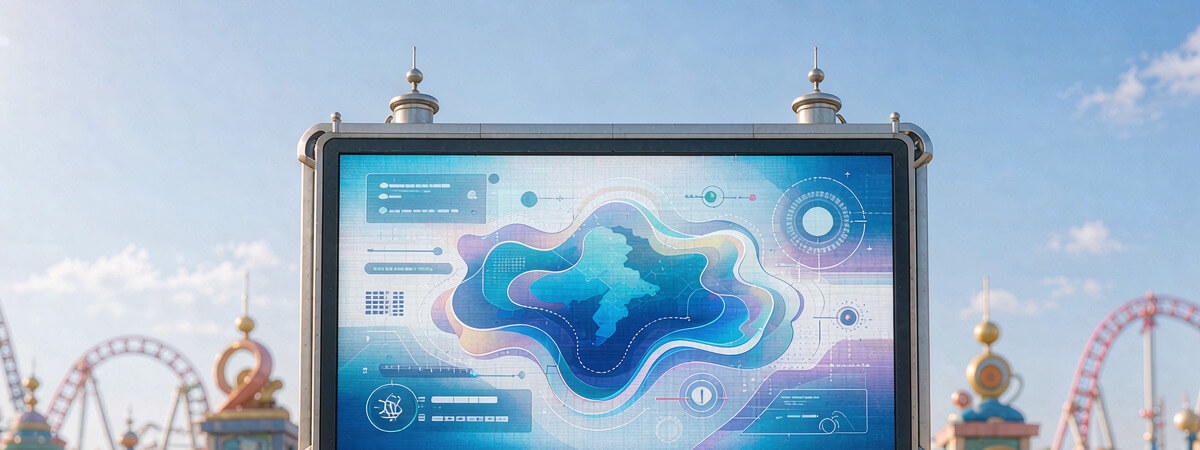
Maps, ride waiting times, directions, ticket information, event schedules, safety notices and promotional content at entrances, pathways, ride queues, outdoor service areas and information kiosks. These screens serve visitors and must stay readable under direct sunlight, changing weather and a wide range of viewing distances.
When the job changes, the priority order changes with it: a ride panel optimizes for dependable operation, a cabinet for visual experience, and a sign for outdoor readability.
Size follows the information layout, viewing distance and the physical space available in the panel, cabinet or enclosure.
| Application | Typical format | Selection note |
|---|---|---|
| Ride controls | Compact, square or wide | Fit the control panel and status layout |
| Game cabinets | Square, wide or portrait | Follow the game layout and cabinet design |
| Park signage | Wide or portrait | Match mounting position and reading distance |
Compact screens can serve as control panels, secondary information displays or prize machines, while larger panels are common in video game cabinets and simulators. Square displays suit structured icon layouts and game grids; wide formats give more horizontal space for maps and status rows; portrait formats work for vertical signage and portrait-oriented games. For small graphical interfaces in portable products, see the handheld gaming and wearables guide.
TFT LCD remains a practical choice across all three applications because it offers a wide range of sizes, resolutions, interfaces and brightness options — see the TFT LCD overview.
IPS TFT LCD is worth considering when viewing angles and consistent image appearance are important. It can be used in operator panels, arcade cabinets and visitor information systems where people approach from different positions.
AMOLED may be suitable for selected game cabinets or premium interactive terminals where high contrast and rich colors lead the design. Brightness, lifetime, operating temperature and content characteristics should all be evaluated — compare the AMOLED display family against the chosen LCD format.
For outdoor park signage, a high-brightness TFT LCD with suitable optical treatment is usually the more practical solution; the enclosure, cover glass and thermal design matter as much as the panel itself.
Ride control displays are one part of a larger control system, so the selection criteria emphasize stability and legibility.
Safety functions should be implemented and validated through appropriate safety-rated hardware and the control architecture — not relied on the display alone. For related fixed-panel design considerations, see the display selection guide for fixed information panels.
Arcade displays are chosen for how they make the game feel, while still fitting tight cabinets.
The best game cabinet display is not necessarily the highest-resolution one — it is the one that delivers the required visual experience while fitting the cabinet's mechanical and electronic design. See the touch display range for integration-ready formats.
Signage serves visitors rather than operators or players, and it works in a much less controlled environment.
Direct sunlight, changing weather and viewing distances from a few steps to several meters all affect the choice. High brightness helps, but brightness alone does not guarantee sunlight readability: cover glass reflections, optical bonding, surface treatment, contrast and installation angle all change the result. Determine the required brightness from the actual installation site — see the LCD brightness note and the sunlight-readable display range.
IPS displays with wide viewing angles keep maps, text and directional information visible from multiple positions. The LCD module itself is not automatically waterproof or dustproof: outdoor installations require a properly designed enclosure, sealing structure, thermal management and suitable cable protection. Directional signs and information boards often work better as non-touch displays, while interactive kiosks can use PCAP touch with cover glass and touch settings designed for the environment.
The three applications share some display technologies, but their priorities differ.
| Selection factor | Ride controls | Game cabinets | Park signage |
|---|---|---|---|
| Main purpose | Equipment operation | Entertainment and interaction | Visitor information |
| Main users | Operators and technicians | Players | Park visitors |
| Key priority | Reliable status display | Visual experience | Outdoor readability |
| Touch requirement | Application-dependent | Application-dependent | Optional |
| Brightness | Suitable for cabinet lighting | Suitable for indoor venue lighting | Higher brightness may be required |
| Temperature | Based on control cabinet conditions | Based on cabinet conditions | Must match outdoor conditions |
| Mechanical design | Control panel integration | Cabinet integration | Enclosure and mounting integration |
| Common formats | Compact, square or wide | Square, wide or portrait | Wide or portrait |
This comparison is a starting point rather than a fixed specification — actual requirements depend on the equipment design, installation location and intended user experience.
Touch is not automatic in any of the three applications. Decide it from the interface, not from habit.
Ride control panels may use PCAP touch for settings and command confirmation, but physical controls — including emergency stops — remain separate hardware. Game cabinets use PCAP for menus, interactive games and payment interfaces; button-controlled games may be simpler and more durable with a standard display. Park signage may work better without touch for directional and information boards, while interactive kiosks use PCAP with cover glass and touch settings tuned to the site.
For touch designs, evaluate the display and touch sensor as one assembly: cover glass thickness, touch controller configuration, grounding and electrical noise all affect consistency. Explore the touch screen options and cover lens customization for the intended environment.
Environment separates these applications more than technology does.
Treat brightness, temperature range and enclosure design as one system decision rather than three separate datasheet lines.
The interface must match the mainboard, controller, resolution and cable length of the equipment.
Confirm the interface with the controller board, display controller, resolution, cable length and overall system requirements. See MIPI and LVDS options and the LCD controller board lineup before locking the specification.
| Parameter | Design consideration |
|---|---|
| Display size | Match available installation space and information layout |
| Brightness and viewing angle | Indoor or outdoor lighting conditions |
| Touch configuration | PCAP or non-touch based on the user interface |
| Cover glass | Thickness, shape, printing and surface treatment |
| Interface and FPC | Electrical compatibility and cable routing |
| Operating temperature | Suitable for the expected environment |
| Mechanical structure | Mounting methods, bezel and final enclosure integration |
Standard display modules do not always fit the mechanical and electrical requirements of amusement equipment. Customization may be needed to make the display work with the cabinet, control panel or outdoor enclosure:
For outdoor projects, optical bonding, anti-reflective treatment and thermal management can be considered as part of the complete solution. Youritech provides TFT LCD and AMOLED modules, touch integration, cover lens customization and interface matching for ride control panels, arcade cabinets and park information systems — see custom LCD and OLED solutions or contact the team to discuss a project.
Operating status, ride speed, safety interlock information, equipment alarms, operating modes and diagnostic data. Some systems add a touch interface for settings or command confirmation, while safety functions remain in separate safety-rated hardware.
Image quality and color, touch responsiveness, motion performance and mechanical fit. IPS TFT LCD helps with wide viewing angles, AMOLED with deep blacks and high contrast, and outline dimensions, active area, mounting points, FPC position and cover glass must be confirmed before finalizing.
Outdoor signs usually need higher brightness, but brightness alone is not enough. Cover glass reflections, optical bonding, surface treatment, contrast and installation angle all affect sunlight readability, so the target should follow the actual installation environment.
Not reliably. They may share TFT LCD technology, but ride controls optimize for dependable status display, game cabinets for visual experience and interaction, and park signage for outdoor readability and enclosure protection. Start from the display's job, then the environment, interface, touch needs and installation structure.
It depends on the interface. Ride panels may use PCAP touch but still need physical controls such as emergency stops. Directional signs and information boards often work better non-touch; interactive kiosks use PCAP with cover glass and touch settings designed for the environment.
SPI and RGB are common in compact or simpler systems; LVDS and MIPI DSI suit other architectures, including higher-resolution cabinets and larger panels. Confirm the choice with the controller board, resolution, cable length and system requirements.
Yes. Size and resolution, brightness and viewing angle, touch configuration, cover glass design, interface and FPC, operating temperature rating, and mechanical structure can all be customized. For outdoor projects, optical bonding, anti-reflective treatment and thermal management can be added as part of the complete display solution.
Ride controls, game cabinets and park signage may all use LCD or OLED displays, but they are not interchangeable applications. Ride control displays focus on clear operating information and dependable integration; game cabinet displays prioritize visual quality, interaction and mechanical fit; park signage requires readability across changing outdoor conditions together with suitable enclosure protection. The right selection begins with the display's actual job, followed by its environment, interface, touch requirements and installation structure.
Youritech — Industrial LCD and Touch Display Solutions for Embedded Applications.


