Writer: Nilsson AndersRelease Time: 2026-11-26 02:08Browse: 41
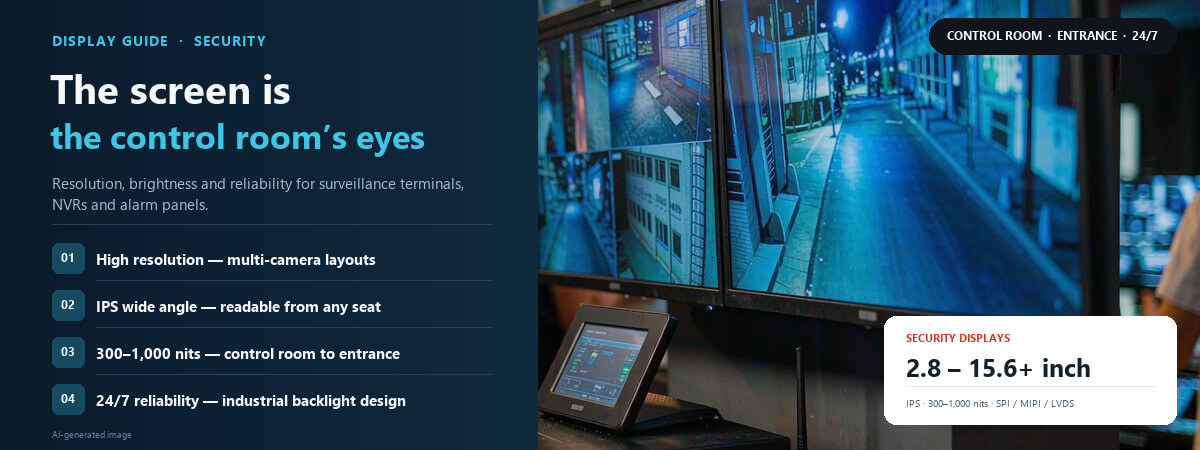
An operator in a control room scans six live camera feeds at once; a compact NVR shows playback and storage status on a small built-in panel; a wall-mounted alarm panel flashes a zone alert at a building entrance. Three very different screens, one product category — and the display that works for one will fail for another.
This guide splits security equipment into the three families that matter for display selection — surveillance operation terminals, NVRs and alarm panels — and works through what each actually demands: resolution for multi-feed layouts, brightness for entrance lighting, touch that suits the operator, and the interface decision that ties the module to the control board. For the fixed-installation counterpart of the same decision process, see the guide to HMI displays in automation.
Contents
Where the equipment sits and who looks at the screen decide the display spec — before any datasheet is opened.
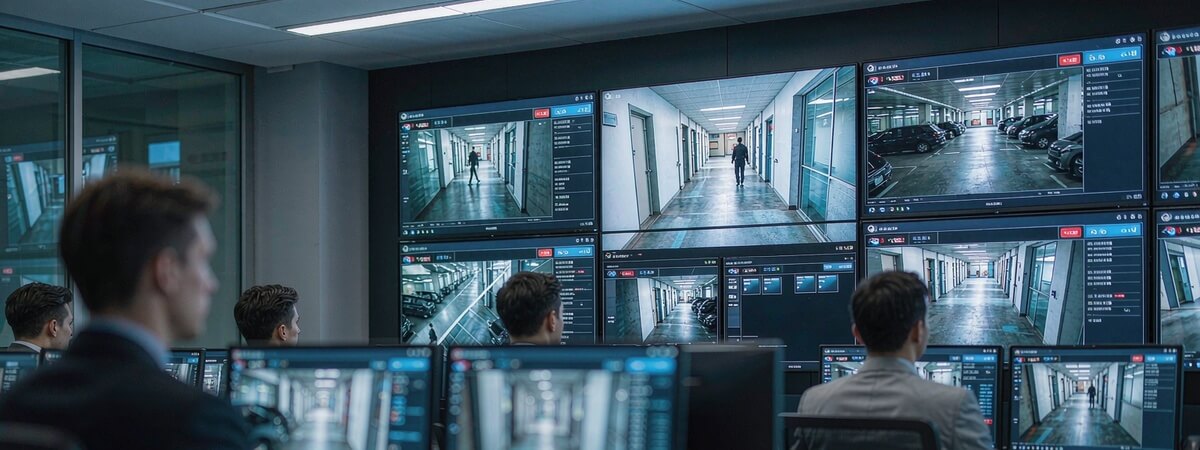
Control rooms, industrial monitoring centers, transportation hubs and commercial facilities. The screen carries multiple camera channels and real-time event management: sharp images to identify people and objects, wide viewing angles for several operators, enough screen area for multi-camera layouts, and stable performance through long shifts. Presentation quality is a sales argument here — a poorly integrated screen undermines the whole terminal.
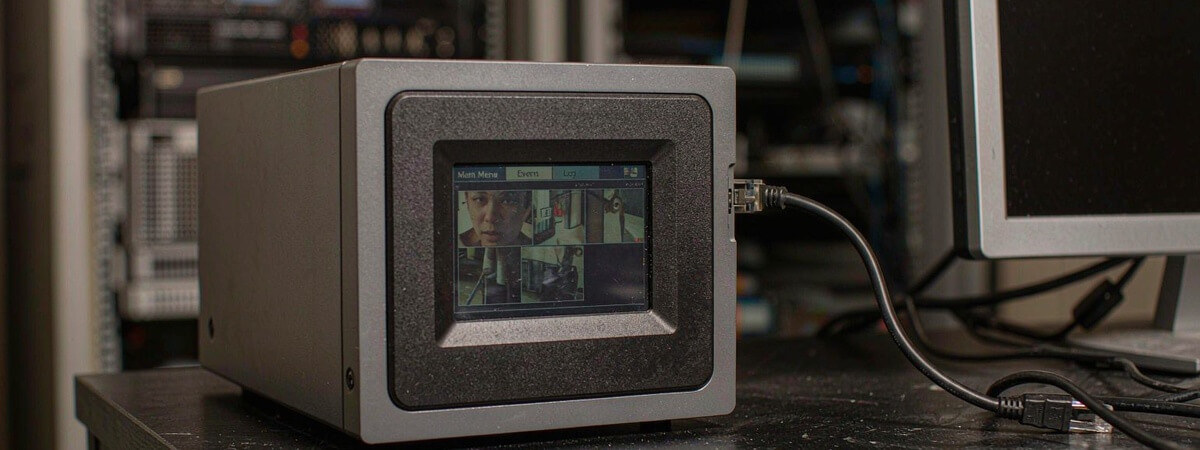
Many NVRs connect to external monitors, but compact and integrated models include a built-in display for local setup and status: playback, channel previews, recording and storage status, network information, configuration menus and alarm notifications. The panel must balance visibility against enclosure space, and resolution should follow the content — a status UI does not need the pixel density of a video feed.
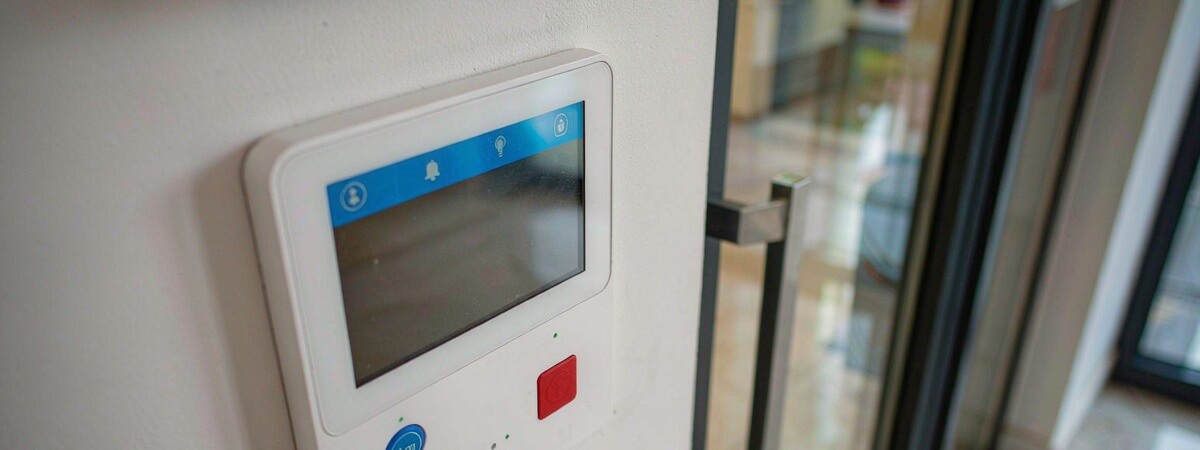
Mounted at entrances, security desks, equipment rooms and residential access points. Armed/disarmed status, zone and sensor data, intrusion alerts and user menus have to be readable at a glance and operable without hesitation. Consistent brightness and a responsive touch layer make daily use straightforward; common sizes are 2.8, 3.5, 4.3 and 7 inches.
Size follows from what the screen is asked to do: a status readout can stay small; anything with camera feeds, maps or customer-facing menus needs real estate. Common design practice:
| Device Type | Common Size Range | Typical Display Functions |
|---|---|---|
| Surveillance operation terminal | 10.1–15.6 inch or above | Multi-camera layouts, dashboards, control interfaces |
| Integrated NVR | 3.5–7 inch | Playback, channel preview, configuration, status |
| Security alarm panel | 2.8–7 inch | Arm/disarm status, zones, alerts, user menus |
Resolution should serve the interface, not chase a number. A status UI is fine at moderate resolution; video playback and dense menus justify more pixels — if the mainboard can drive them. Then design the UI for the real viewing distance: text size, icon dimensions, touch-target spacing, orientation and scaling. A high-resolution panel with tiny touch targets is a worse product than a modest panel laid out for the distance operators actually sit at. For a mid-size industrial example, the 18.5-inch FHD LVDS panel shows how resolution maps to a compact industrial format.
Any panel near a building entrance inherits the daylight. A screen tuned for a dim control room turns into a mirror at the lobby door. Reference ranges:
| Brightness | Potential Application |
|---|---|
| 300–500 nits | Indoor control rooms, dim monitoring stations |
| 500–800 nits | Bright indoor areas, equipment rooms near windows |
| 800–1,000 nits | Entrance panels, semi-outdoor security kiosks |
| 1,000+ nits | Specialized sunlight-readable installations |
Reflections matter as much as raw brightness. Anti-glare treatment tames surrounding light sources; anti-reflection coatings help further; optical bonding removes the internal air-gap reflection and buys back real contrast — at the cost of process control and repair considerations. Weigh ambient conditions, cover glass material, brightness and touch structure together; the same trade-offs are covered in the high-brightness display guide.
Touch is how operators open camera views, confirm alerts and change system settings. For modern terminals and alarm panels, projected capacitive (PCAP) is the default: responsive finger input, multi-touch, smooth glass, clean optical clarity — an interaction users already know. See the touch screen product line, including the 23-inch waterproof capacitive touch screen for larger monitoring installations.
Resistive touch still has a place where stylus or pressure-based input is preferred — useful when operators wear gloves. Its optical and interaction characteristics differ, and the choice should follow actual operating requirements.
This is where security touch differs from consumer touch. Entrance panels see constant public contact, gloves, cleaning residues and varying grounding conditions — all of which can confuse a standard capacitive controller: false touches, dead zones, phantom inputs. Validate wet-touch behavior, glove operation, sensitivity and false-touch rejection with the actual cover lens and enclosure of the final product — never assume a standard PCAP panel handles a gloved operator reliably just because the datasheet says "capacitive."
| Comparison | TFT LCD | IPS TFT LCD | Touch LCD Module | High-Brightness LCD |
|---|---|---|---|---|
| Light generation | Backlit liquid crystal | Backlit liquid crystal | Backlit LCD + touch sensor | Backlit LCD with enhanced output |
| Viewing angles | Dependent on panel mode | Wide, consistent color | Follows base panel | Follows base panel |
| Product options | Widest size and interface range | Selected sizes and resolutions | Capacitive or resistive integration | Selected sizes, optical treatments |
| Application focus | NVRs, alarm panels, access terminals | Shared operator consoles | Interactive alarm and access panels | Entrances and lit equipment areas |
Choose TFT LCD as the starting point for most security equipment: the widest size and interface range, with configurations that map onto control boards (TFT LCD overview). Specify IPS when several operators share a screen or the panel is viewed off-axis. Integrate touch when operation is public or menu-driven. Move to high-brightness when the panel faces windows, entrances or direct light.
Security screens live at awkward heights and angles: a wall-mounted alarm panel read by someone standing at the entrance, a control terminal viewed from beside a desk, a status display tilted inside an outdoor cabinet. Wide viewing angles keep the interface readable without standing square in front of the panel — which, at an entrance or in a control room, is not always practical.
IPS TFT panel options hold contrast and color across wide left-right and up-down cones. Evaluate horizontal and vertical angles, contrast and color shift at off-axis positions, orientation, installation height and tilt — and test in the real mounting position, not flat on a bench. A screen that measures perfectly horizontally can wash out when tilted 30 degrees upward on an entrance panel.
Outdoor cabinets, entrance panels and unconditioned equipment rooms see dust and moisture. IP codes describe the tested enclosure — IP65 means dust-tight and protected against water jets, for the assembly that was tested. The rating is earned through the front cover, adhesive, housing, connectors, cable entries and sealing. The LCD module and touchscreen inside do not inherit the rating. Design the sealing around the module and verify on the finished device.
The front surface takes the abuse: constant public contact, scratches, fingerprints and cleaning agents. Consider glass thickness, scratch resistance, anti-glare and anti-fingerprint coatings, edge sealing, chemical compatibility and touch performance through the stack. Chemical compatibility is the quiet killer — cleaning products slowly attack coatings, adhesives and plastics. Test the actual materials against the actual products, over time, not in a single wipe test.
Panels in transportation facilities and industrial monitoring centers face continuous vibration and long mounting hours. The module, FPC, connectors and bracket must tolerate that together. Test the complete assembly; a panel that survives a bench shake table can still work loose through a bracket resonance the bench never reproduced.
A control room sees stable indoor temperatures; an outdoor cabinet sees summer and winter; an equipment room may run unconditioned through the night. Confirm operating and storage ranges, low-temperature LCD response, backlight behavior, touch controller limits, thermal management and expected daily operating hours. Low temperatures slow liquid-crystal response; high temperatures shorten backlight life.
For systems designed to run for years, add supply-side items: long-term module availability, backlight lifetime specification and maintenance expectations. Wide-temperature display options exist for installations beyond ordinary indoor conditions.
Backlight dominates LCD consumption — every brightness step costs power — so review typical and maximum current, voltage, backlight driver requirements, dimming range, standby power and thermal behavior against the device's power budget.
| Interface | Typical Characteristics | Design Considerations |
|---|---|---|
| SPI | Simple serial communication | Suits smaller status displays |
| RGB | Parallel pixel data transmission | Compatible timing and signal routing required |
| MIPI DSI | High-speed serial interface | Requires a compatible controller and mainboard |
| LVDS | Differential signal transmission | Common in larger embedded display systems |
| eDP | High-speed embedded display interface | Requires a compatible system architecture |
| HDMI | Standard video input | Convenient for monitoring equipment and development platforms |
Compact alarm panels usually land on SPI, RGB or MIPI DSI; larger terminals lean toward LVDS, eDP or HDMI when the mainboard supports them. Before finalizing the module, confirm pin definitions, connector types, FPC dimensions, signal timing and power requirements — an eDP bar display with driver board illustrates how timing and interface decisions are made together.
| Selection Item | Questions to Confirm |
|---|---|
| Device type | Terminal, NVR or alarm panel? |
| Screen size | Compact status screen or larger multi-feed touchscreen? |
| Resolution | How much information must be on screen? |
| Brightness | Control room, windowed area or entrance? |
| Touch type | Capacitive or resistive? Gloved operation? |
| Viewing angle | What is the actual mounting height and tilt? |
| Protection | What enclosure-level IP rating is required? |
| Cover glass | Scratch, chemical or anti-glare needs? |
| Temperature | Operating and storage ranges expected? |
| Power | Does the display fit the power budget? |
| Interface | Compatible with the control board? |
| Mechanical | Module dimensions and FPC positions suitable? |
Answering these before the prototype build is cheap; answering them after the enclosure is tooled is not.
Standard modules rarely land exactly on a security device's enclosure, interface and lighting constraints. Youritech provides LCD and touch display solutions for industrial and embedded applications — see the custom LCD and OLED service and solutions by application.
For security equipment projects, customization typically covers:
Evaluate the display together with the control board, enclosure, power system and operating environment. If you are developing a surveillance terminal, integrated NVR or alarm panel, contact Youritech to discuss your requirements.
Request a Quote / Get a Custom Display Solution
It depends on the design and function. Compact integrated interfaces typically use 3.5 to 7-inch displays; larger monitoring systems generally rely on external monitors.
IPS TFT LCD is a common choice for its wide viewing angles and clear image quality. Resolution, brightness, size and interface compatibility should all factor into the final decision.
Capacitive touch suits responsive multi-touch interfaces; resistive is preferable when operation with gloves or a stylus is required. The intended environment determines the choice.
Yes — provided the specific module's backlight lifetime, temperature range, thermal design and rated operating conditions match the application.
Yes. Anti-glare treatment and optical bonding improve visibility further and often matter more than raw brightness, especially where the panel faces windows or direct sunlight.
SPI, RGB and MIPI DSI cover most compact panels; larger terminals may use LVDS, eDP or HDMI. Match the interface to the module and the mainboard architecture early in hardware design.
Yes. Dimensions, resolution, brightness, touch integration, cover glass, FPC layout and internal interfaces can all be customized subject to technical feasibility.
Security display selection is a balance of readability, touch behavior, environmental durability, power and hardware fit. Surveillance terminals live or die by multi-feed clarity; NVRs by compact integration; alarm panels by status readability and dependable operation. Define the device's environment and requirements early, and the display becomes an asset instead of a warranty claim.


