Writer: adminRelease Time: 2026-04-14 07:05Browse: 657
Choosing an automotive display isn’t just about size or resolution—it’s about safety, durability, readability, and integration.

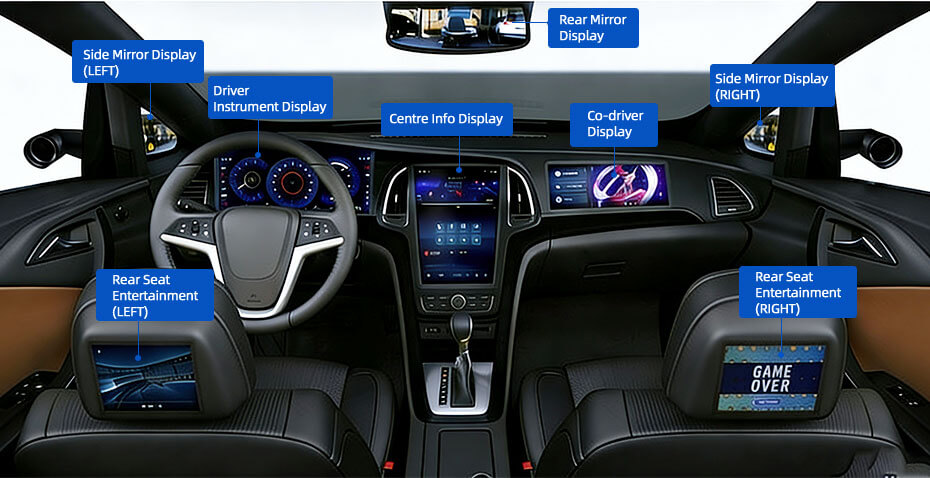
Different automotive displays have completely different priorities:
Instrument cluster (speed, RPM) → reliability, anti-glare, no distraction
Center infotainment (navigation/media) → touch, UI smoothness
Rear-view / camera display → low latency, high brightness
HUD (head-up display) → projection clarity, contrast
Define your use case first—otherwise specs don’t mean much
Each technology has trade-offs:
LCD / TFT (most common)
Cost-effective, stable
Long lifespan
OLED
Best contrast, deep blacks
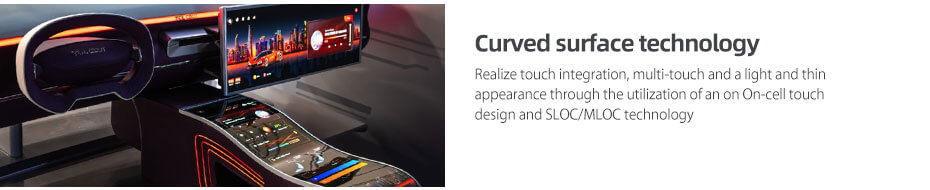
Flexible/curved design
Burn-in risk for static UI
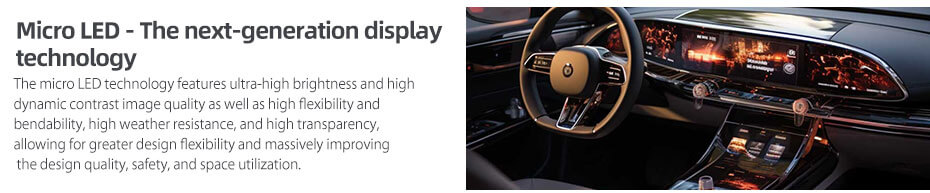
Micro-LED (emerging)
Very bright, long life
Expensive
In automotive today: IPS LCD dominates, OLED is premium
Cars operate in extreme lighting:
Minimum: 700 nits
Recommended: 1000+ nits
Premium outdoor: 1500–2500 nits
Also look for:
Anti-glare / matte surface
High contrast ratio
Without this, the screen becomes unreadable in sunlight
Small screens: ≥ 720p
10"+ displays: 1080p (FHD) minimum
Premium: QHD / 4K
Higher resolution improves:
Navigation readability
Camera image clarity
Pixel density (PPI) matters more than just resolution
Choose based on vehicle type:
7–10" → compact cars
10–12.3" → standard dashboards
15"+ → luxury / multi-screen
Aspect ratios:
16:9 (standard)
21:9 (wide cockpit displays)
Bigger is not always better—ergonomics matters
For infotainment systems:
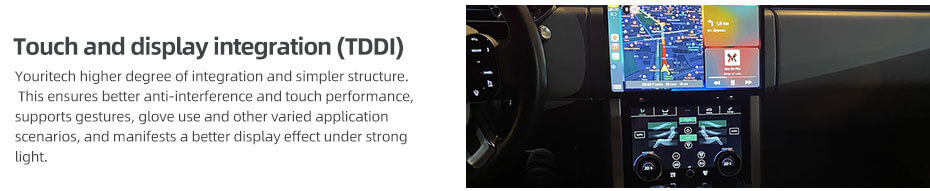
Capacitive multi-touch (smartphone-like)
Fast response (<5 ms ideal)
Glove-friendly if needed
Optional: haptic feedback
Slow or inaccurate touch = driver distraction
This is what separates car displays from consumer screens:
Temperature: -40°C to +85°C
Vibration & shock resistance
EMI protection
Stable operation under voltage fluctuation
Consumer displays will fail quickly in vehicles
Automotive lifecycle: 5–10+ years
Backlight longevity is critical
Avoid burn-in (for static UI)
Must match vehicle lifespan
Wide viewing angle (IPS/OLED)
No color shift from side
Visible for driver + passenger
Important for shared displays and safety
Check:
Interface (LVDS, eDP, MIPI)
OS compatibility (Android Auto / CarPlay)
CAN / vehicle communication
Multi-display support
Quick checklist (practical)
If you want a fast decision rule:
Use case defined? (cluster / infotainment / camera)
≥1000 nits brightness?
IPS LCD or OLED?
1080p or higher?
Automotive-grade (-40~85°C)?
Anti-glare + wide viewing angle?
Pro tips (from industry practice)
For clusters → avoid OLED (burn-in risk)
For premium UX → OLED or mini-LED
For cost-sensitive projects → IPS TFT LCD
For outdoor/heavy-duty vehicles → prioritize brightness & ruggedness over resolution
If you want, tell Youritech your specific project (e.g., car model, display size, or use case like HUD or infotainment), and Youritech can recommend exact display specs or even suitable models.
https://www.youritech.com/search/automotive/?stype=keywords&product_id=0
Automotive Display Solution