Writer: adminRelease Time: 2026-01-19 09:37Browse: 312

Choosing an LCD display for a handheld PDA (portable data assistant / handheld terminal) involves balancing size, performance, power, durability, and cost. Here’s a clear step-by-step guide to help you make the right selection:
Start by defining how the PDA will be used:
Indoor vs. outdoor use
Static forms vs. dynamic graphics/video
Touch interaction needed
Barcode scanning / industrial environment?
These influence size, brightness, ruggedness, etc.
Measured diagonally (e.g., 3.5", 4.3", 5.0", 7.0").
Larger screens offer better usability but increase cost and power draw.
Common aspect ratios: 4:3, 16:9, 5:3.
Rule of thumb:
3.5"–4.3" for compact handhelds
5.0"–7.0" for data-intensive apps
Resolution impacts clarity.
QVGA (320×240) – basic
HVGA (480×320) – standard for many PDAs
WVGA (800×480) – sharper UI, more screen real estate
Higher pixels = smoother graphics and text, but need more GPU power.
Pixels per inch (PPI): Aim for 200 + PPI for sharp text.
Choose based on look, cost, and viewing conditions:
| Type | Pros | Cons |
| TN (Twisted Nematic) | Low cost, fast response | Poor angles, contrast |
| IPS (In-Plane Switching) | Great viewing angles & colors | Higher cost |
| AMOLED | Excellent contrast & color | More expensive, complex |
| Transflective | Outdoor readable | Limited colors |
For PDAs used outdoors: Transflective or high-brightness IPS.
Brightness (in nits / cd/m²) matters for outdoor use:
Indoor: 300–500 nits adequate
Outdoor (sunlight): 700–1000+ nits
Also check anti-glare coating and optical bonding for outdoor readability.
Decide if you need touch and which type:
Resistive
Works with stylus/gloves
Lower cost
Poor optical clarity
Capacitive (Projected)
Multi-touch, smooth
Great clarity
Needs finger or special stylus
Surface Acoustic Wave
Sharp input
Sensitive to contaminants
Industrial PDAs often use capacitive with glove/stylus support.
Low power extends battery life.
Smaller, lower-res panels = less power
PWM brightness control may drain more than DC
If battery-life is critical, choose efficient displays and consider automatic brightness control (ambient sensor).
For industrial/field devices:
IP rating (e.g., IP65) for dust/water resistance
MIL-STD-810G for shock/vibration
Gorilla Glass / toughened glass
Anti-scratch and drop resistance matter for handhelds.
Ensure the display works with your system:
Interface: RGB, LVDS, eDP, MIPI-DSI, SPI
Voltage levels compatible with your board
Backlight control via PWM or DC
Industrial PDAs often use LVDS or eDP for higher resolutions.
Better color helps readability of graphics.
IPS panels = best angles & accurate colors
TN = cheaper but limited viewing range
For shared viewing (multiple angles), prefer IPS.
Price varies by:
Size, resolution, brightness
Touch layer type
Rugged features
Custom vs. standard part
Standard sizes are cheaper than fully custom
Warehouse/Industrial PDA
4.3″ – 5.0″ IPS
Capacitive touch with glove/stylus
800 + nits
LVDS/eDP interface
Field Service PDA (Sunlight)
Transflective 5.0″
High brightness
Rugged IP65+
Consumer PDA / Handheld Gadget
4.3″–5.0″, WVGA+
Capacitive multi-touch
IPS or AMOLED
PRODUCTION AND MANUFACTURING
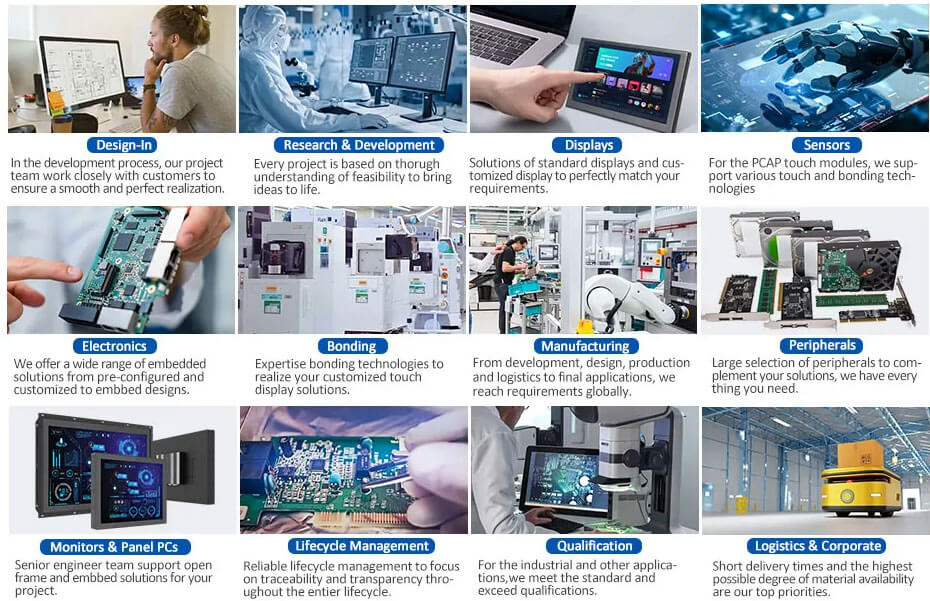
LCD Display For Handheld PDA product links for reference:
https://www.youritech.com/products/sunlight-readable-displays/
Shenzhen Youritech Technology Co.,Ltd. focuses on the research and development ,design ,customization and production of LCD,OLED,touch screen and other products.
website:https:www.youritech.com
Contact information:[email protected]


